Case study 08 — Personal project · 3D landing page
Welcome 3D
A webinar landing page that moves.
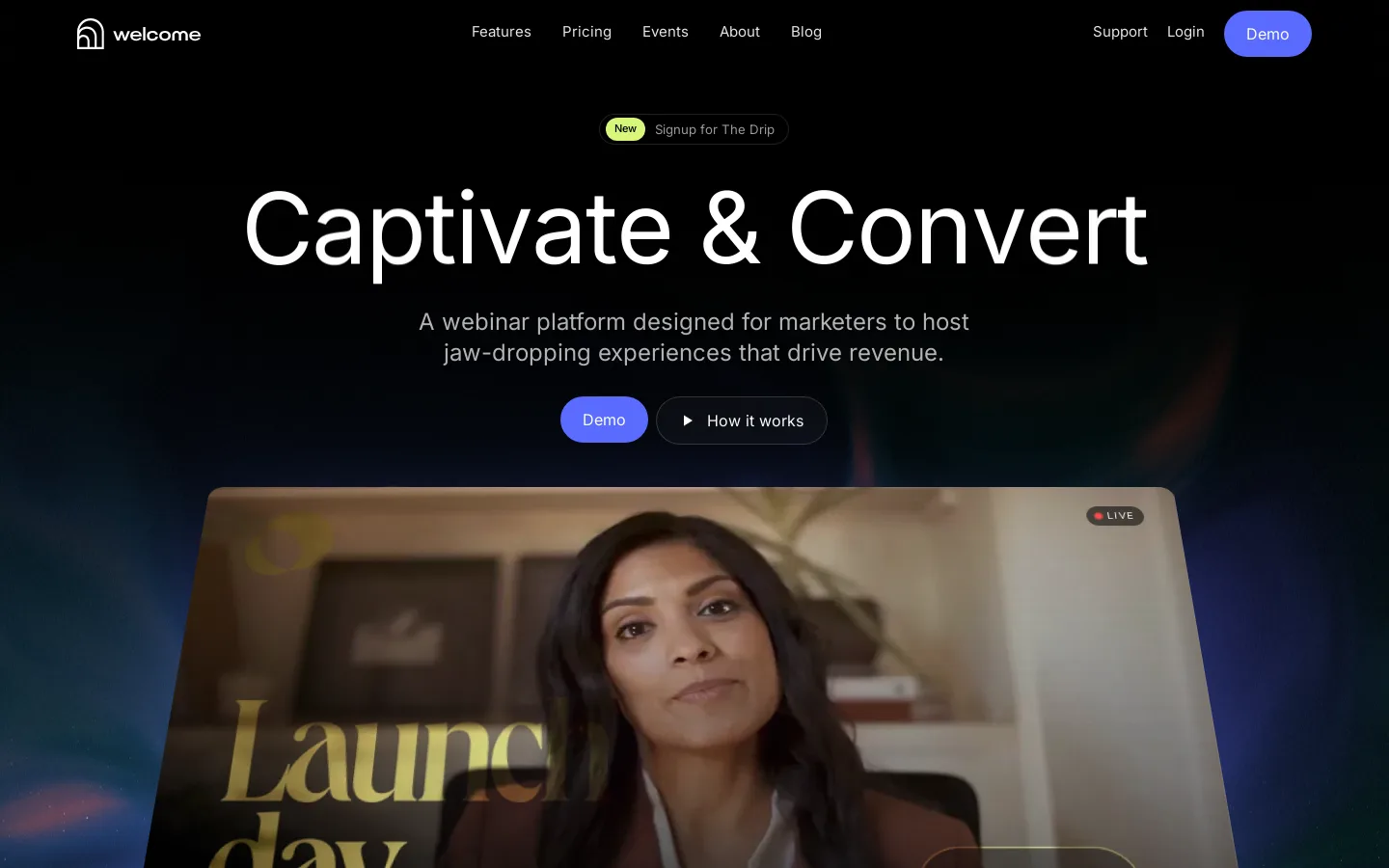
An award-style homepage I built from a 14-section Figma design for a webinar platform. I took the static file and turned it into a living page: a real-time WebGL hero, a custom loader, text that reveals as you read and scroll scenes in every section, while staying fast and fully responsive.
01 — The challenge
From flat Figma to a page that feels alive
The design was a long, static 1440px Figma file. The goal was to keep it close to the design while adding the kind of motion you see on award sites: 3D, smooth scroll and reveals, without making the page heavy or breaking it on phones.
02 — My role
Build, motion and performance
I rebuilt all 14 sections as React components with SCSS modules, exported and optimised the images from Figma, wrote the shader and scroll animations, and tested at desktop, tablet and phone sizes.
03 — What I built
Key moments
- Loader: the logo draws itself, the wordmark rises letter by letter and the screen lifts away into the hero in about two seconds
- Hero: a real-time shader aurora with a particle field that reacts to the mouse, and a webinar stage that tilts flat as you scroll
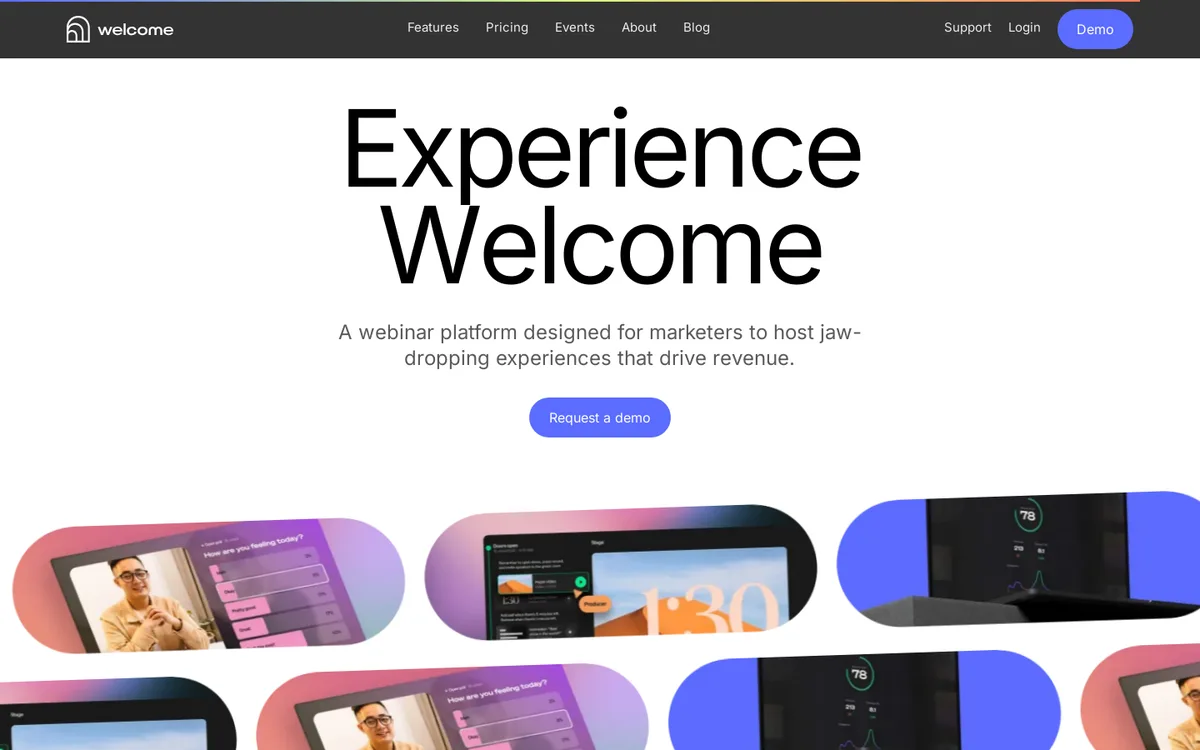
- Text reveals: headings split into lines and letters that rise into view as you read
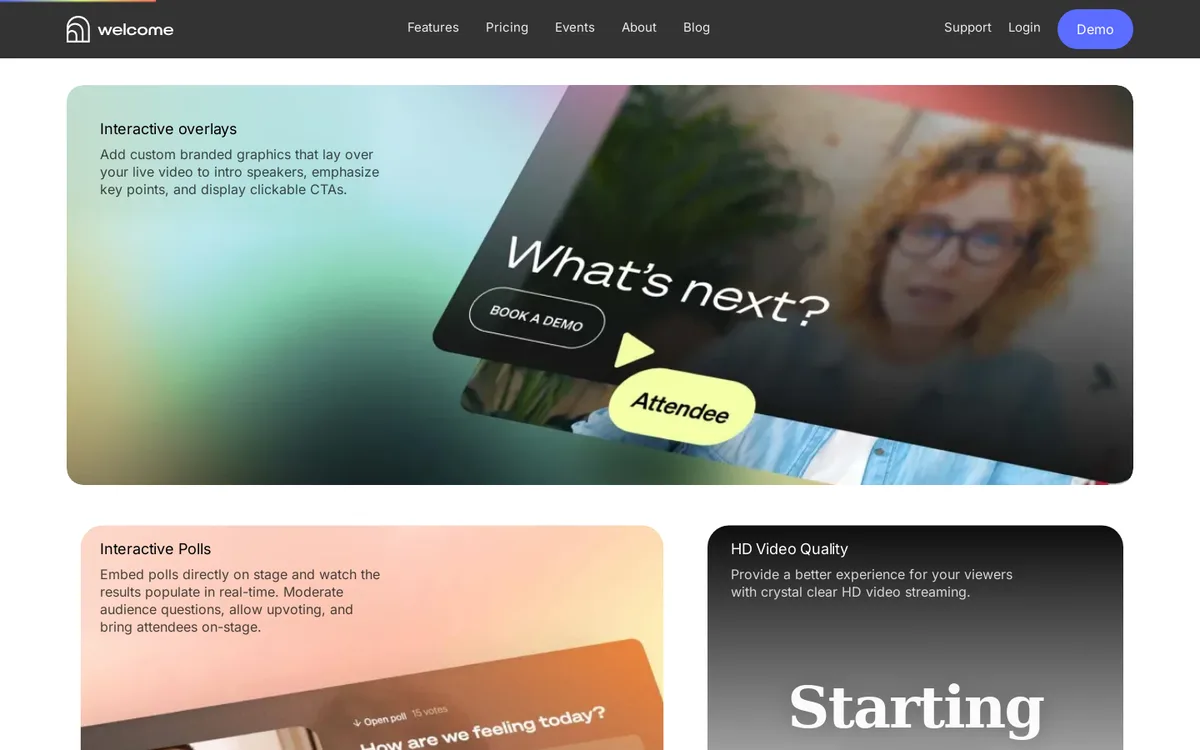
- Scroll scenes: stacking "How it works" cards, counters, logo marquees and a testimonial slider
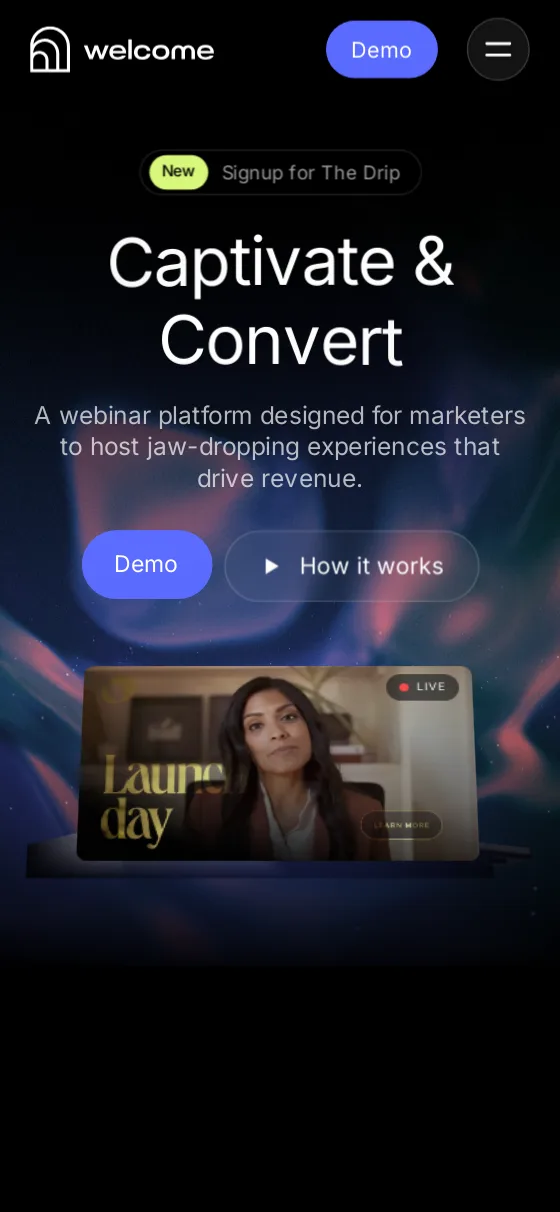
- Mobile menu: a circle that grows from the menu button, with links rising one by one
- Extras: a custom cursor on desktop and a scroll progress bar
04 — Front-end craft
The details that matter
- Three.js loads in its own chunk after the page is idle and pauses when the hero is off-screen, so the 3D never slows the first paint
- One smooth-scroll engine drives every scroll animation, so nothing drifts or jitters
- Separate animation setups for desktop and mobile, so phones get lighter, simpler motion
- Reduced-motion support: if a visitor asks for less motion, the page shows everything without animating
- Images exported from Figma and converted to WebP for fast loading
05 — By the numbers
What's inside
A portfolio project: my own build of a Figma design for the Welcome webinar platform's homepage. It's not affiliated with Welcome.